Introduction to Loris Tunnel
Loris Tunnel is a desktop workspace for SSH forwarding and publishing local services through Microsoft Dev Tunnel, Cloudflare and FRP. It runs on macOS and Windows and keeps provider setup, connection controls and troubleshooting in one interface.
Version and screenshots
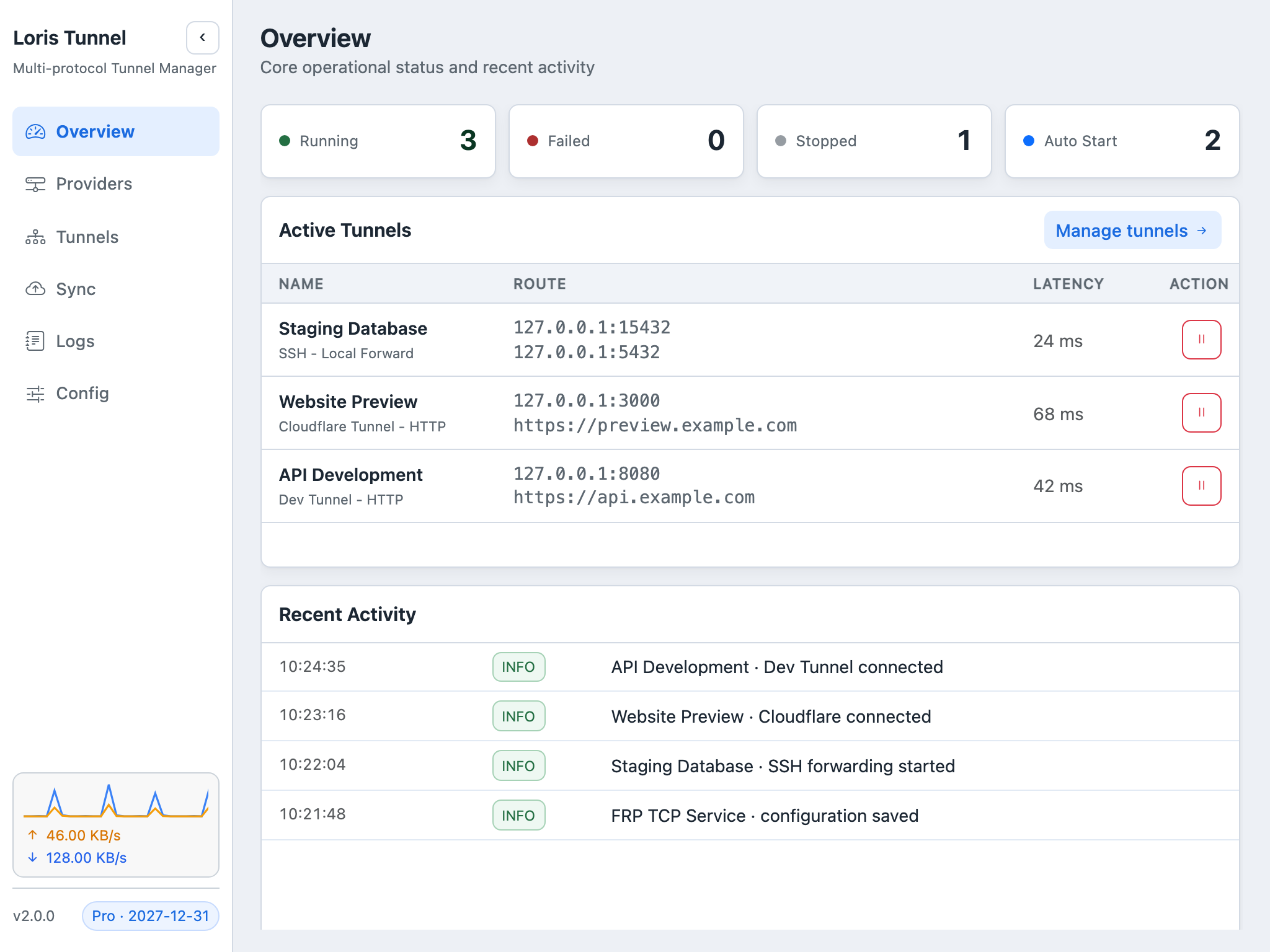
This guide describes the current source version. Published installers may have fewer features; check your build against the release notes. Screenshots use demonstration data and a Pro example state.
Choose the connection you need
| Provider | Use it for | What you need |
|---|---|---|
| SSH | Databases, internal services, local/remote forwarding and SOCKS5 | An SSH server and valid authentication |
| Dev Tunnel | Share a loopback development service | Official CLI and Microsoft or GitHub sign-in |
| Cloudflare | Publish an HTTP/HTTPS origin under a hostname | cloudflared, zone authorization and local named-tunnel credentials |
| FRP | TCP mappings and HTTP domain routing through your server | frpc and an existing frps server |
Start with SSH import, Dev Tunnel, Cloudflare or FRP. Loris manages provider clients; account permissions, service quotas and server setup still apply.
Organize daily connections
Use groups and duplication to keep environments distinct. Select which tunnels should start with the app, and configure operating-system launch-at-login separately. Reconnection helps recover from temporary interruptions, while logs make repeated failures easier to investigate.
The management guide covers these controls. Free users can run three tunnels across all providers, including starts and reconnects. Active Pro removes this application limit; remote quotas still apply. See existing pricing and availability.
Monitor the right layer
The overview shows aggregate activity and traffic; the tunnel list and logs expose provider-specific status. A responsive local origin, a running tunnel and a reachable public endpoint are different checks. Follow the monitoring guide when an address is displayed but the service is unavailable.
Back up configuration with Pro
Cloud Sync can upload the complete effective TOML and adopt a cloud revision after confirmation. That file may contain passwords and a license code; uploads use HTTPS and backups are encrypted by the server, not end-to-end by the client. Actual key files and provider-local credentials are outside the backup.
Read backup and restore before connecting another device, and configuration directories before relocating a profile. Automatic backup is off by default.
Make the desktop your own
Choose light or dark mode and English, Simplified Chinese, Traditional Chinese (Taiwan or Hong Kong), or Russian. Settings also control launch-at-login, traffic monitoring and configuration storage.
Install and make your first connection
- Download Loris Tunnel. On Windows, Microsoft Store is the recommended installation path.
- Open Providers, choose a provider and configure its server, CLI or authorization.
- Create a tunnel in Tunnels, review the route and start it.
- Make an actual request from the intended client and inspect Logs if it fails.
For questions, email admin@lorisdev.cc or join QQ group 1009737419. Continue with the tutorial library.