SSH forwarding
Local and remote forwarding, dynamic SOCKS5, multi-hop jump hosts, SSH command and config import.
Bring your SSH workflow →Manage tunnels and share local services on macOS and Windows.
 Windows
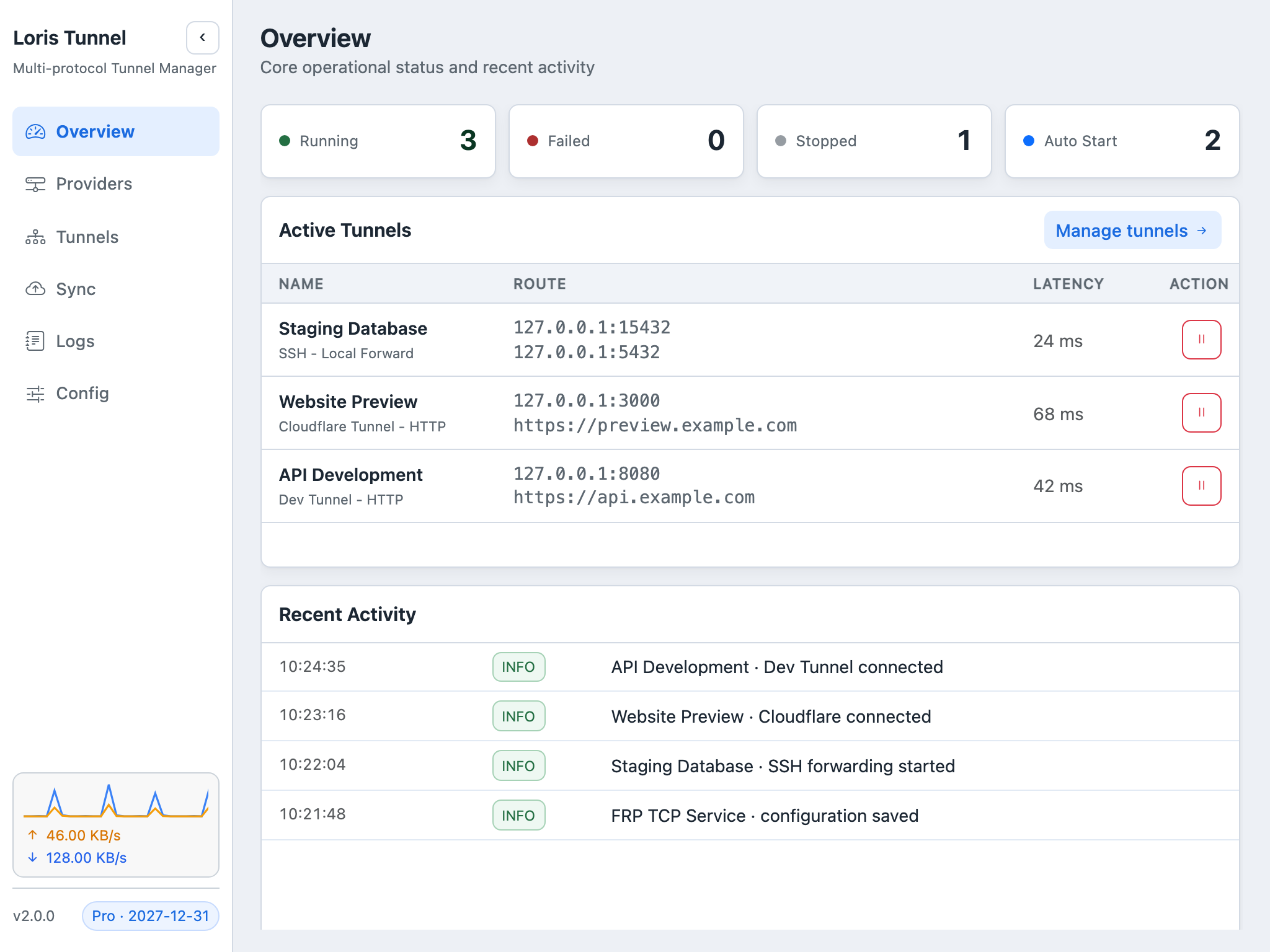
Browse the app with the arrows or swipe between screenshots. Select an image to view it full-size.
Screenshots show demonstration data and a Pro example state, not live connections. These guides describe the current source version; check release notes for features available in your installed build.
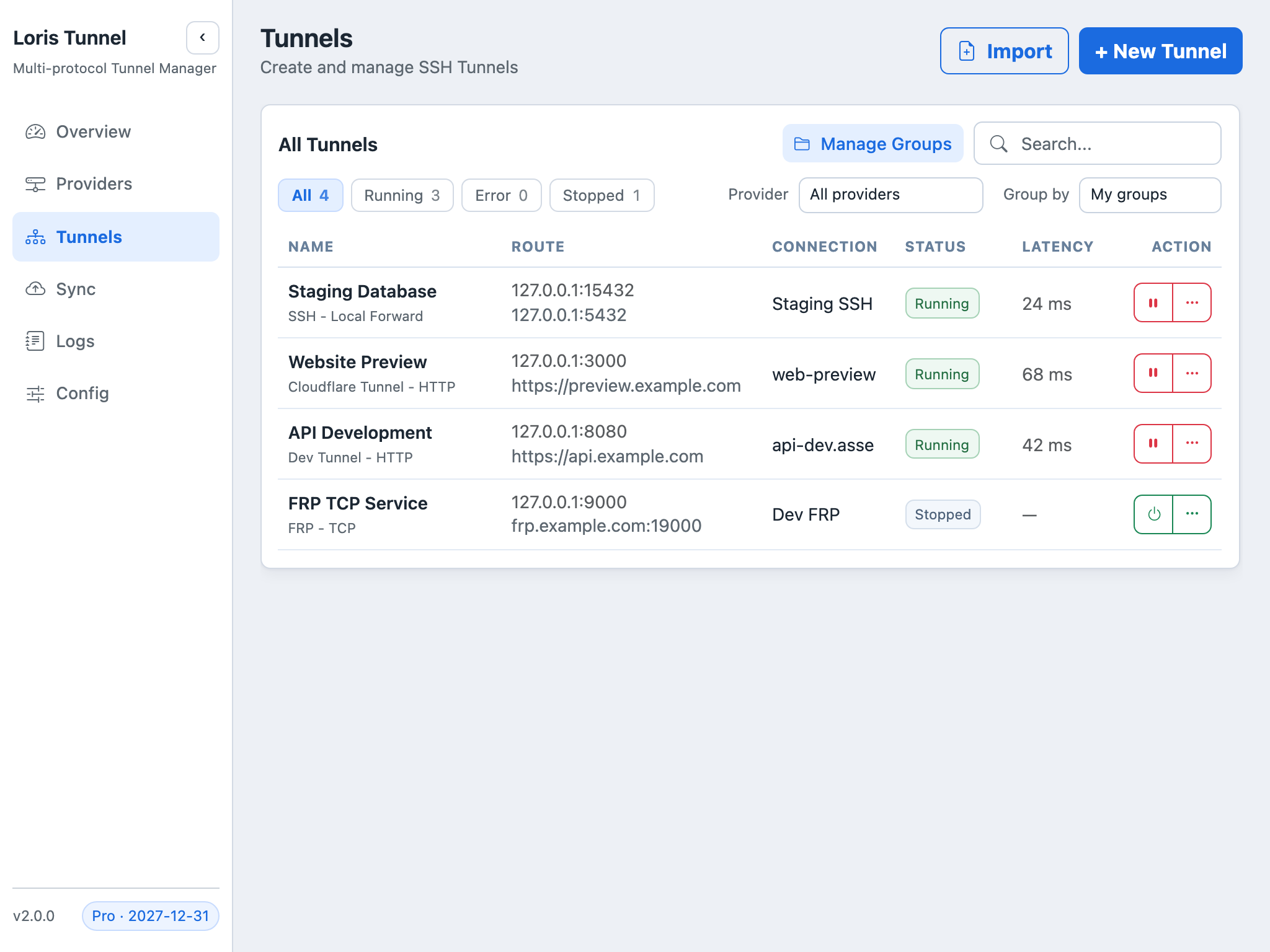
Organize SSH, Dev Tunnel, Cloudflare and FRP connections in one list.
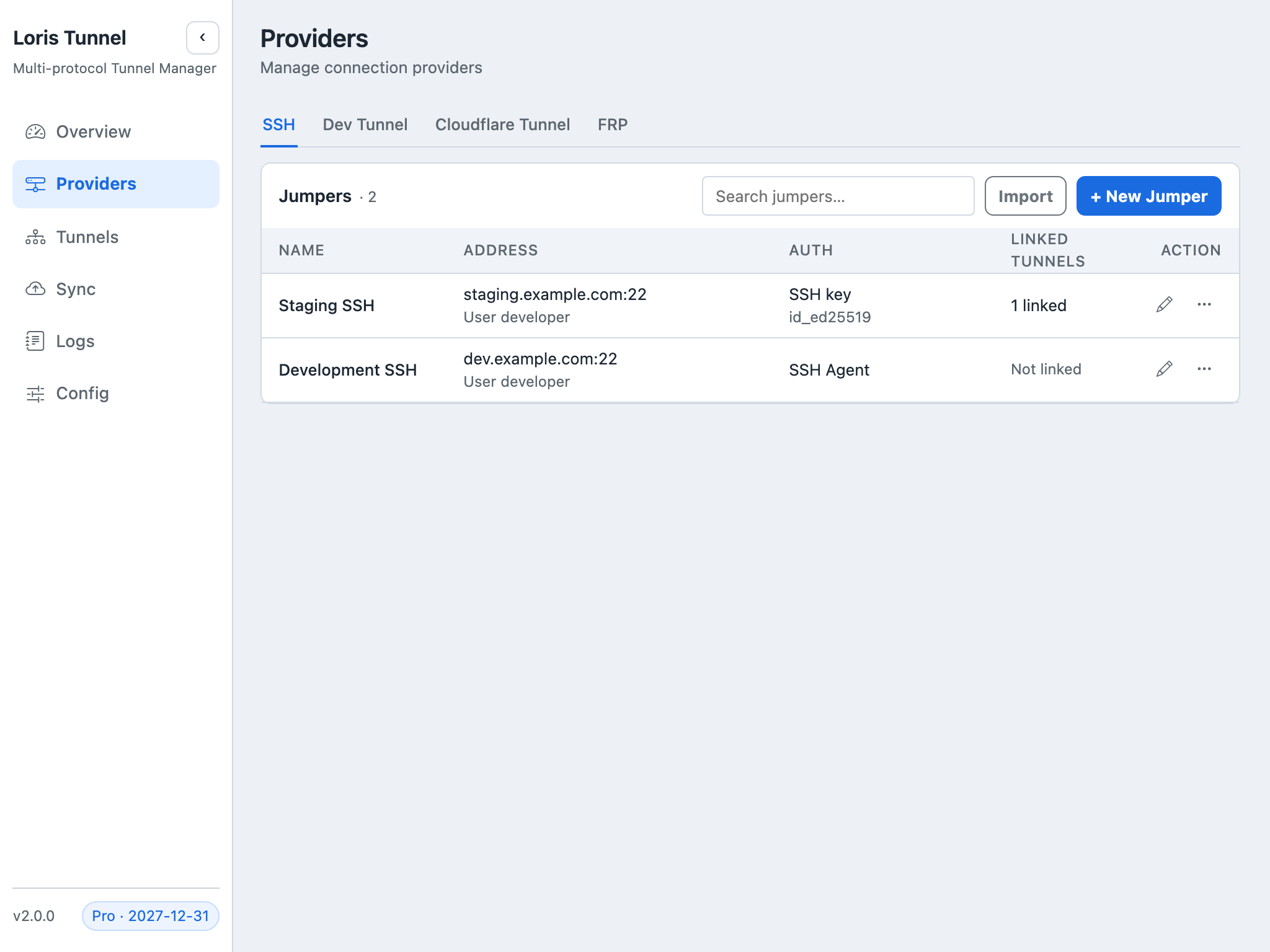
Manage authentication and the tunnels associated with each host.
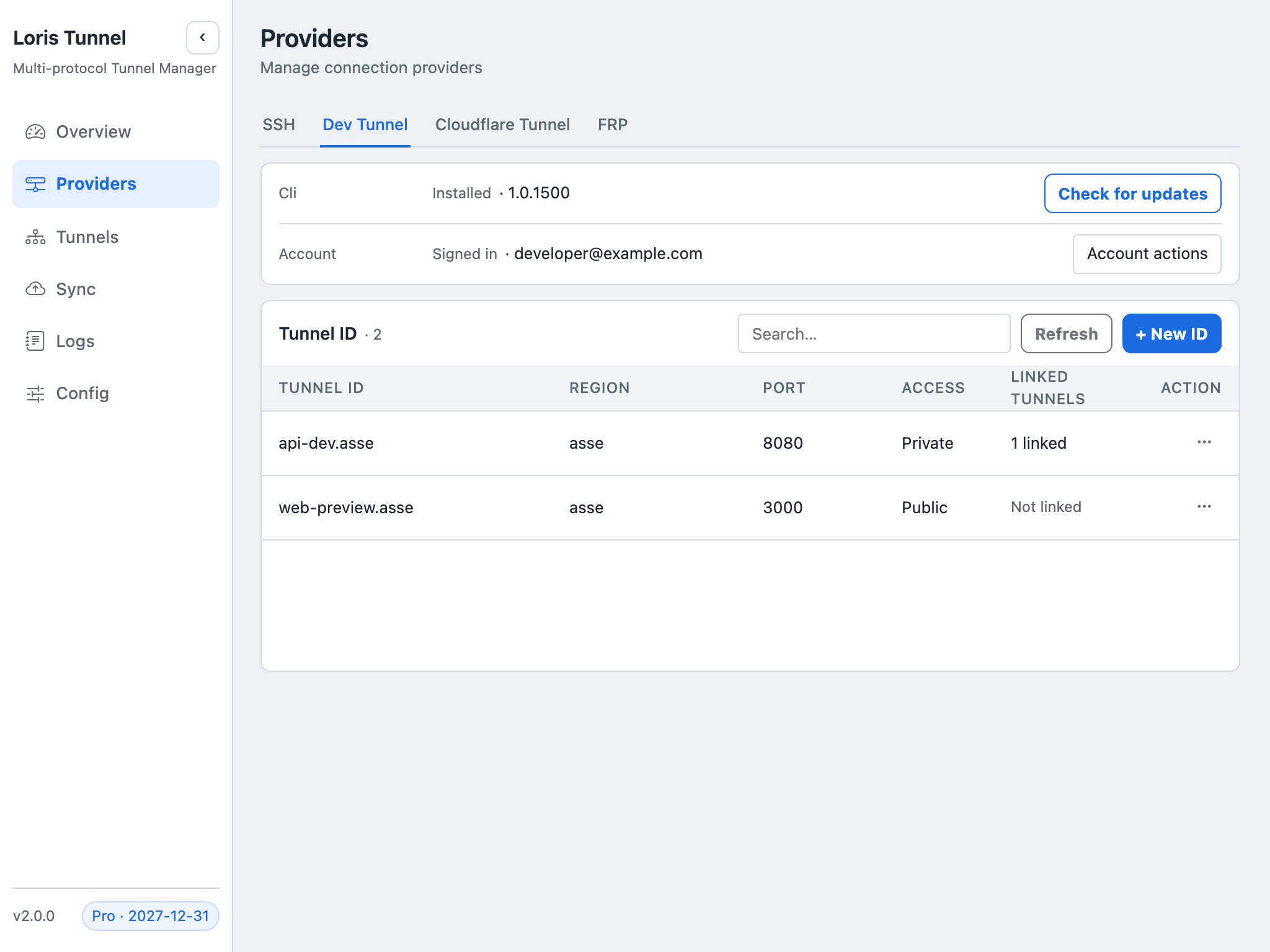
Install the CLI, sign in, and manage tunnel resources.
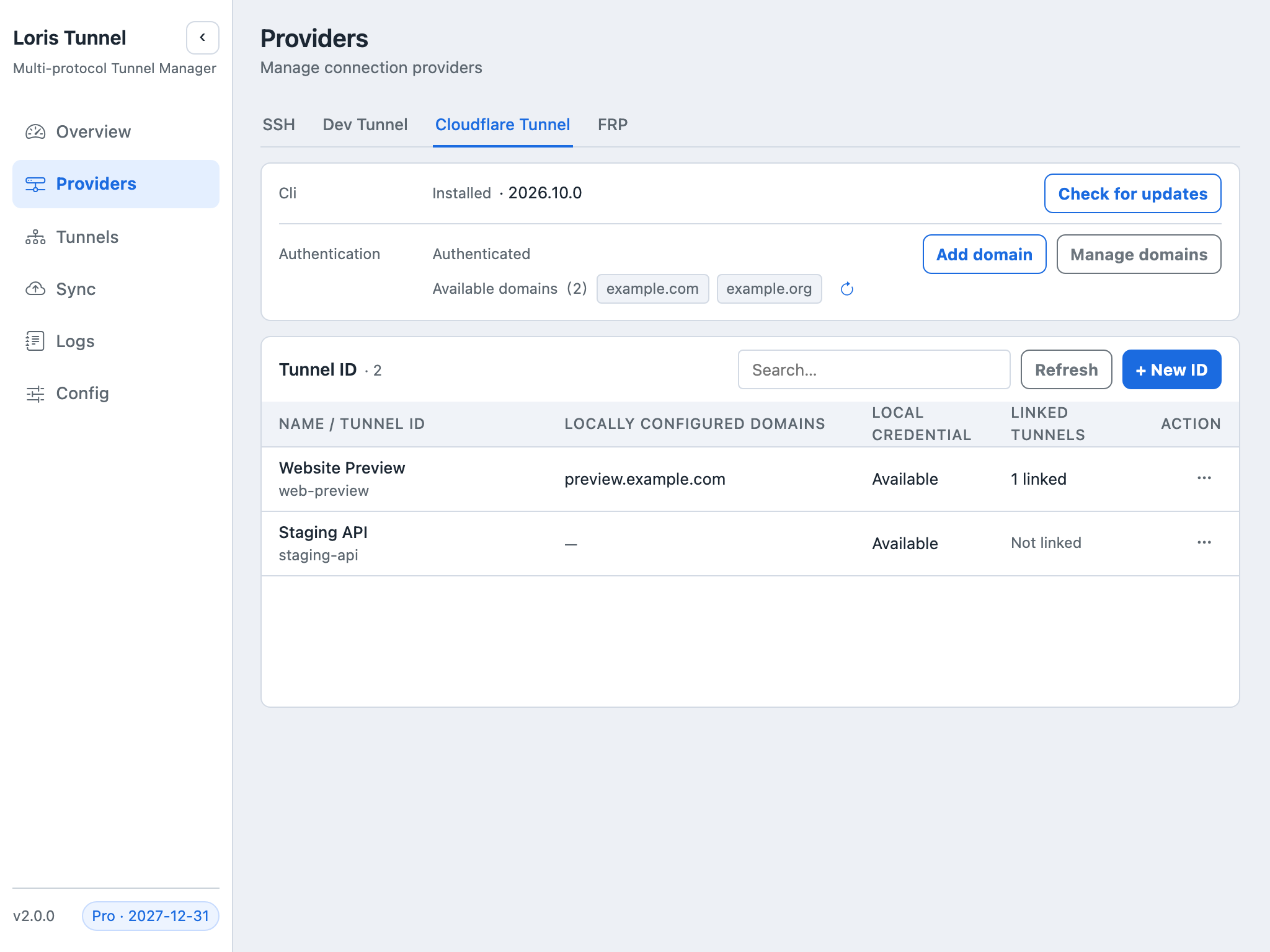
Manage domain authorizations and named tunnels.
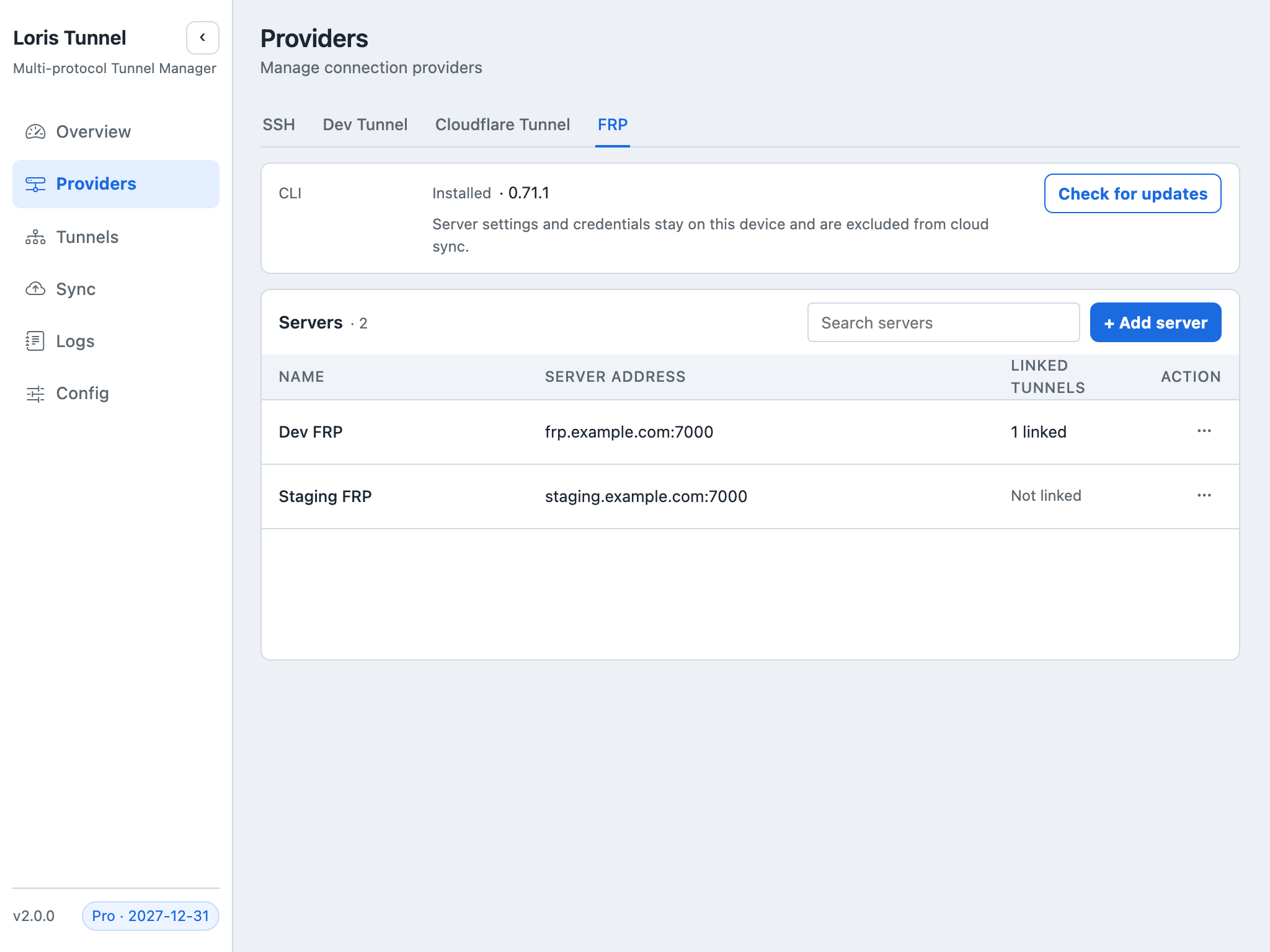
Configure frpc and connect your existing FRP servers.
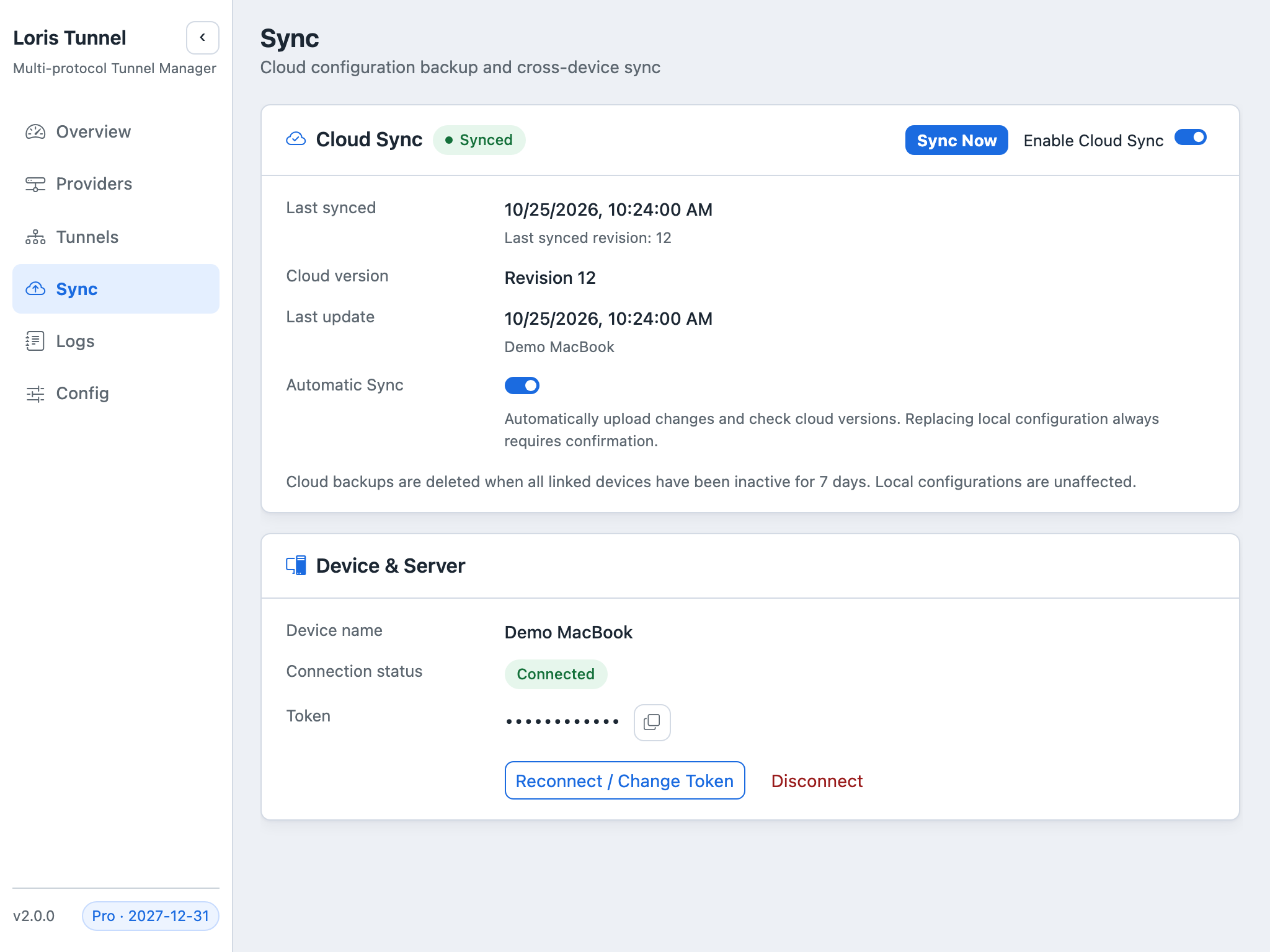
Inspect configuration versions, linked devices and connection status.
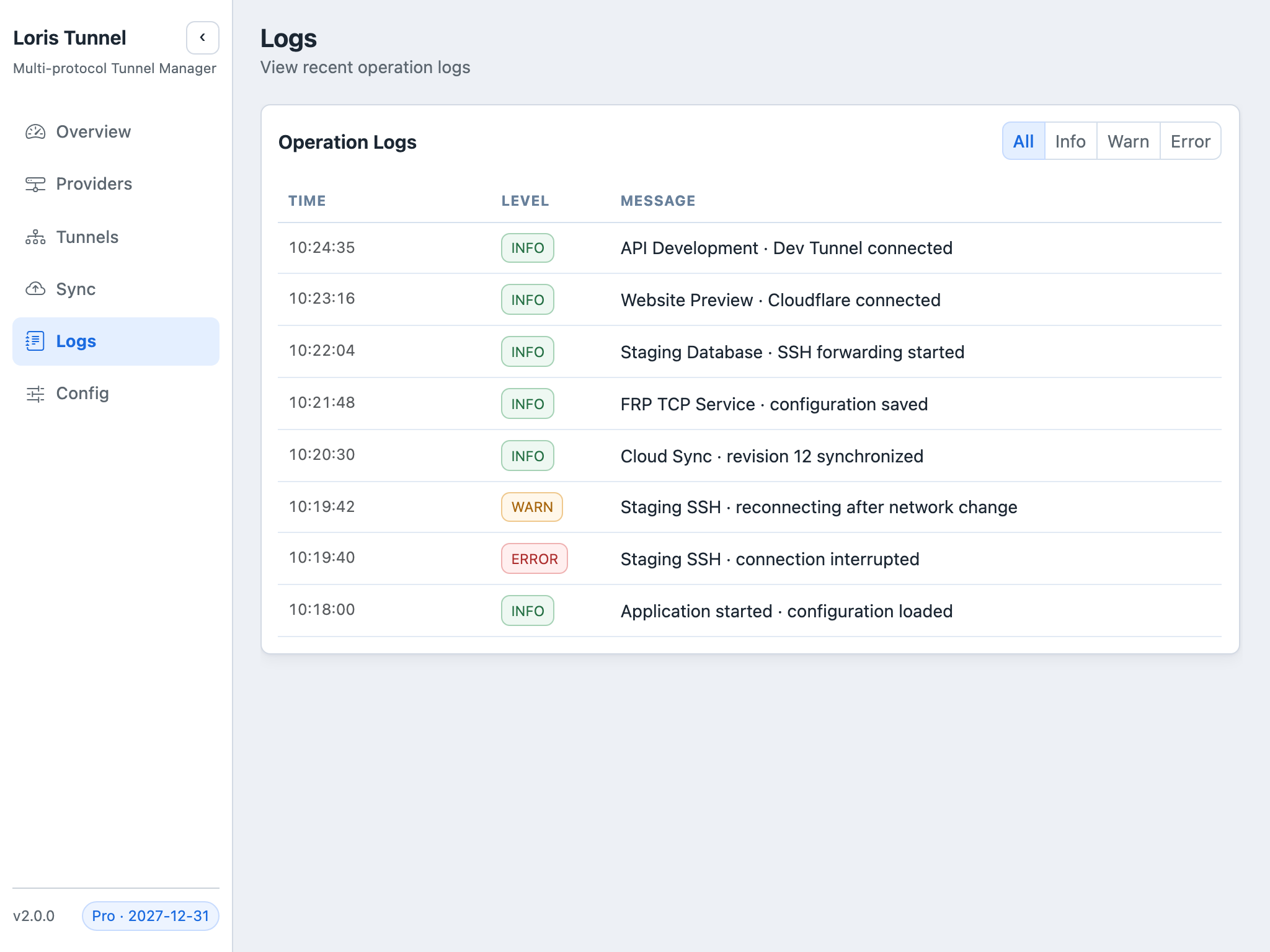
Follow connection events, warnings and errors.
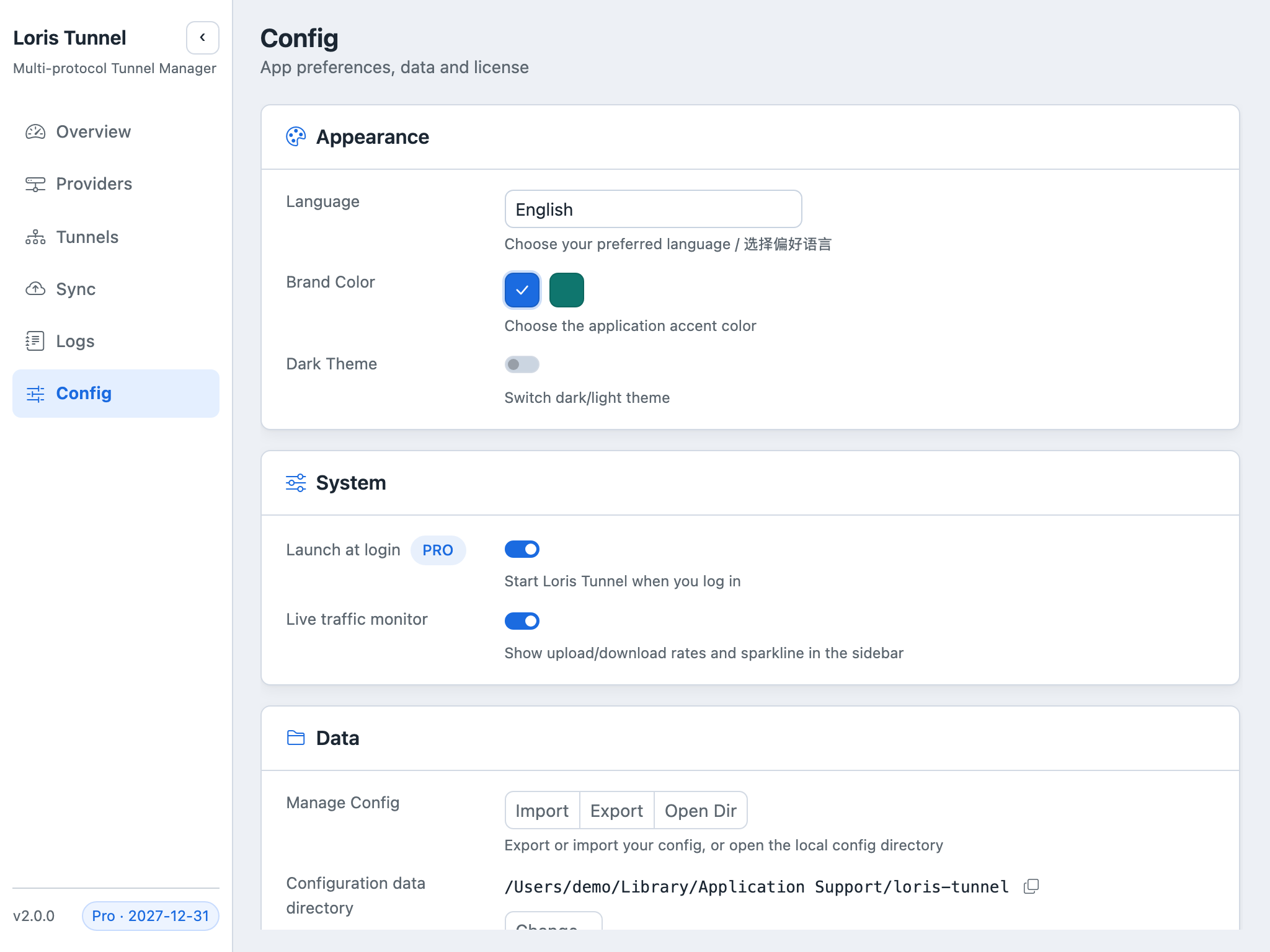
Manage appearance, startup preferences and configuration files.
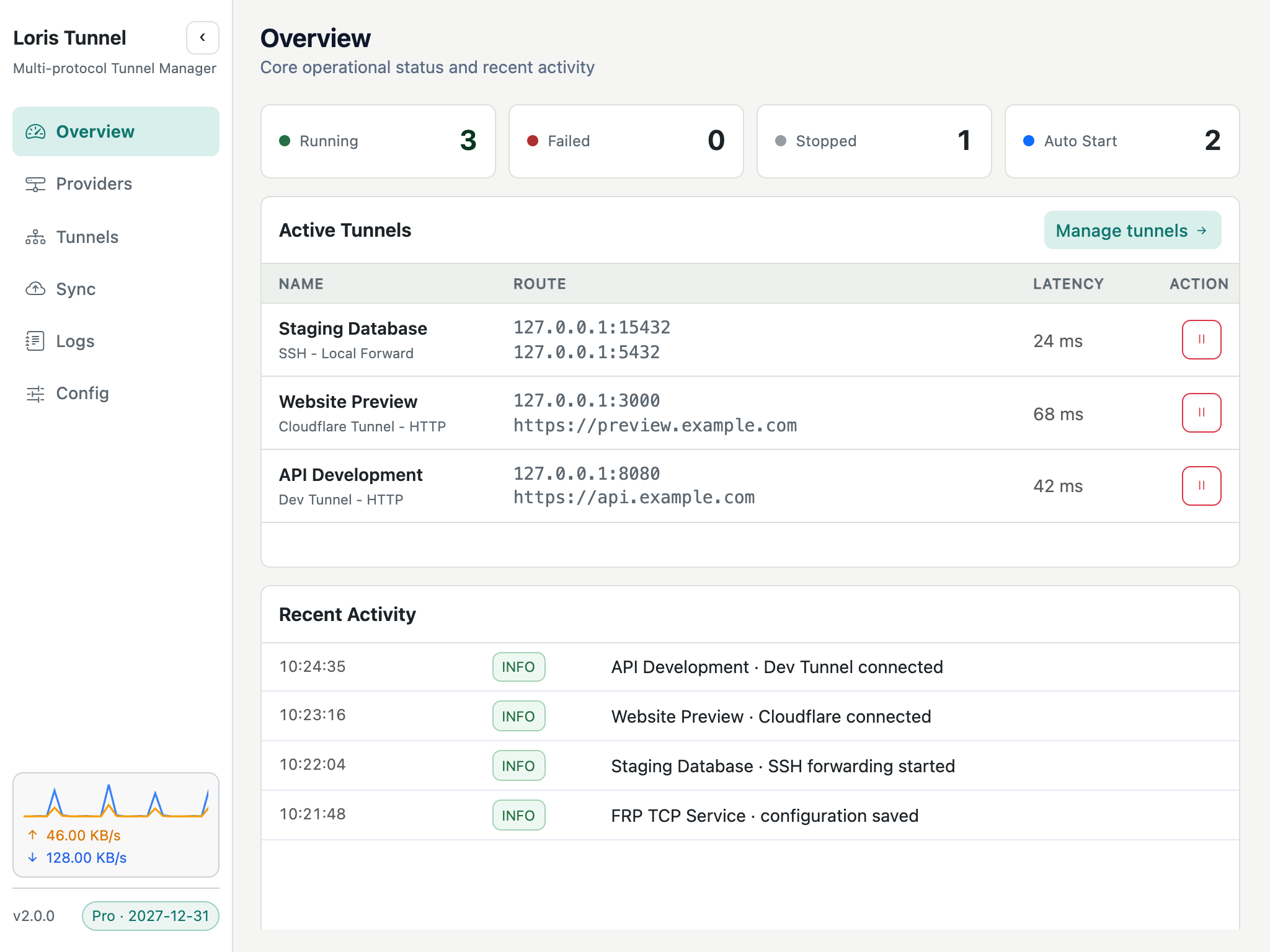
Choose the green accent palette for a different look across the desktop app.
Local and remote forwarding, dynamic SOCKS5, multi-hop jump hosts, SSH command and config import.
Bring your SSH workflow →Use Microsoft Dev Tunnel, Cloudflare named tunnels or your own FRP server from one desktop interface.
Choose a publishing provider →Organize tunnels, duplicate configurations and select which connections start with the app.
Manage daily connections →Inspect connection status, provider-dependent latency, traffic and recent events.
Diagnose connection problems →With an active Pro license, back up your configuration and review cloud versions before restoring.
Understand what gets backed up →Light and dark themes, five interface locales and a configurable data directory.
Manage configuration storage →Free users can run up to three tunnels across all providers, including starting and reconnecting tunnels. Active Pro removes this application limit and enables cloud backup. Provider quotas still apply. View pricing →
Choose your platform. See release notes and available versions before installing.
Install easily and receive updates through Microsoft Store.
Get it from Microsoft Store ↗Download the Windows .exe installer directly.
Download .exe ↓One installer for Apple Silicon and Intel Mac.
Download .dmg ↓Questions or feedback? Email admin@lorisdev.cc or join QQ group 1009737419.